 Mac, iPad & iPhone · Coming soon to the App Store
Plain text, styled as you type
Markwright is a Markdown editor for Mac, iPad and iPhone that lets you write the way you like: type the Markdown yourself, edit a formatted page directly like a word processor, or see both side by side. Your words stay in plain .md files that you own, ready to open in any other app.
Your files stay yours — plain .md files in the folders you choose. No account, no ads, no tracking.
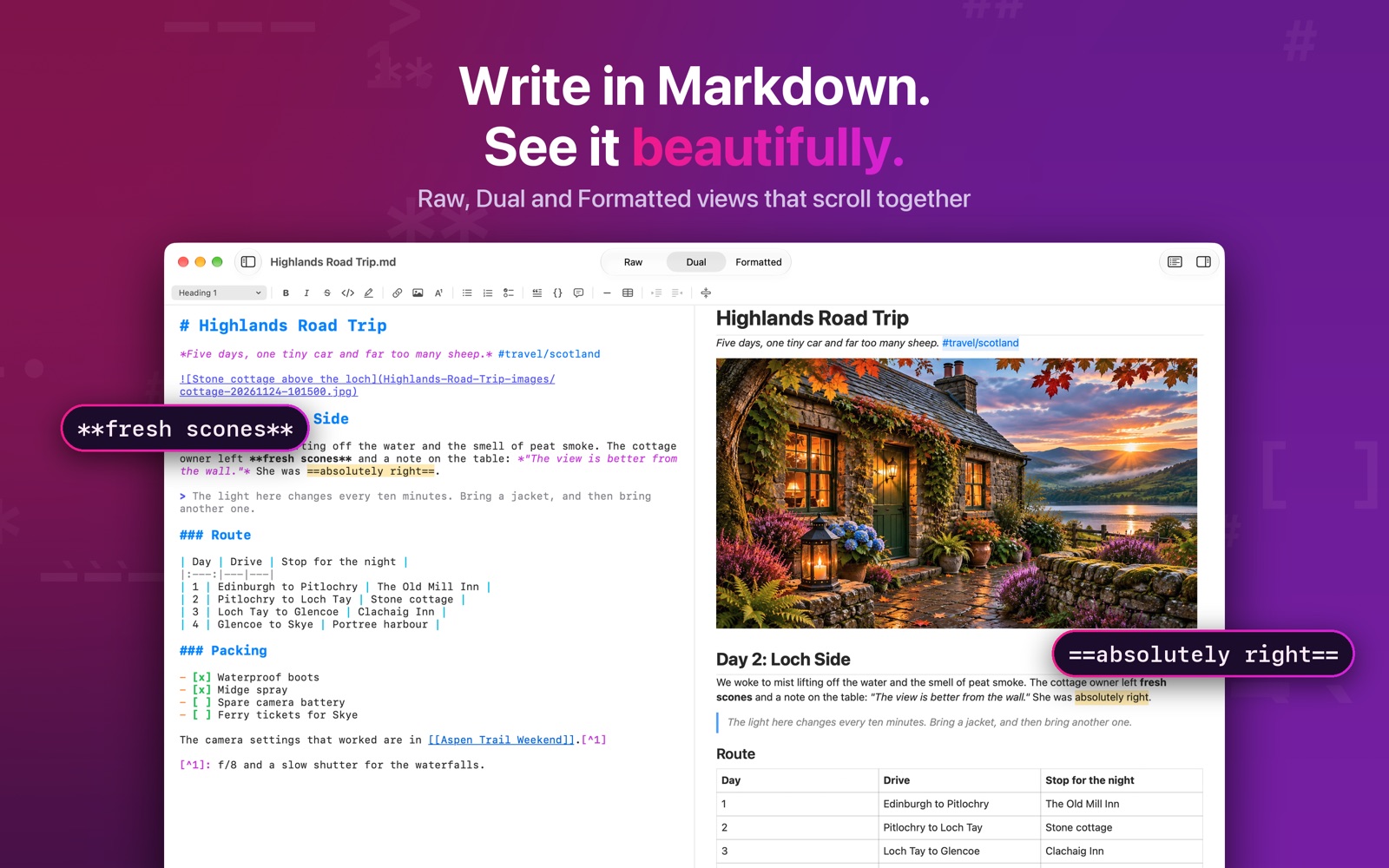
Type the Markdown yourself, edit a formatted page directly, or see both at once. Switching views keeps your place and your selection.
The Markdown source, with syntax highlighting.
Edit the styled document directly, with headings, lists, tables, checkboxes and pictures live on the page.
Source and formatted side by side, scrolling together — and you can type in either one.
A formatting toolbar and familiar keyboard shortcuts. Or type "# ", "- ", "1. ", "[ ] " or "> " at the start of a line for a heading, list, task or quote.
Tables, task lists, code blocks, footnotes, ==highlights==, comments and front matter. Pictures from Photos or Files, sized by dragging their corners.
Everything saves automatically as you type. Versions let you step back past autosaves to any earlier draft, and changes from your other devices show up within seconds.
Point Markwright at a folder — in iCloud Drive to share it across your devices — and its Markdown files become sheets and its subfolders groups.
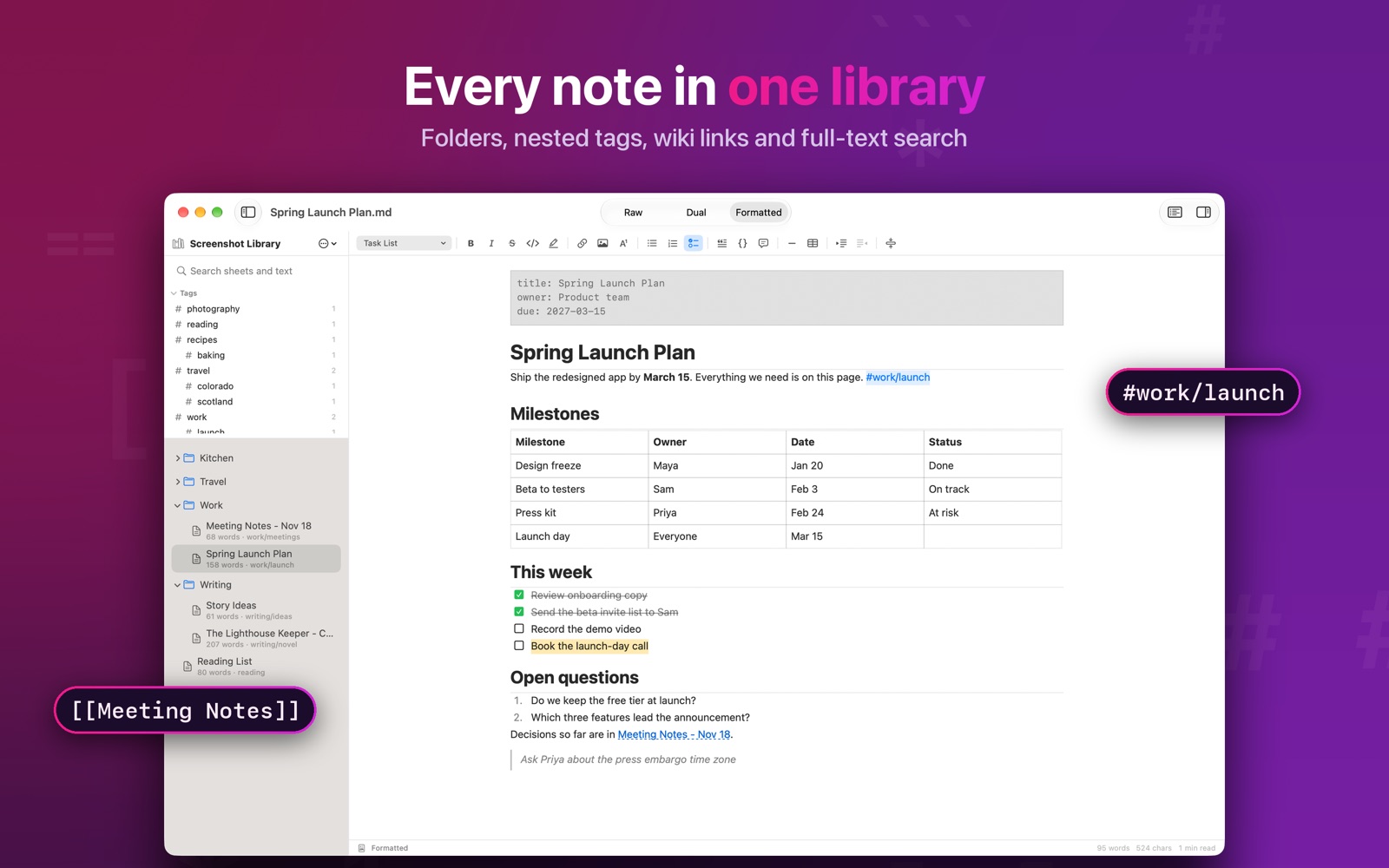
Search sheet names, tags and the text inside every sheet — and follow [[wiki links]] between sheets, with backlinks showing what links to each one
Focus mode dims everything except the current paragraph or sentence. Typewriter scrolling keeps the line you're typing at a steady height. Composition mode hides everything but your words.
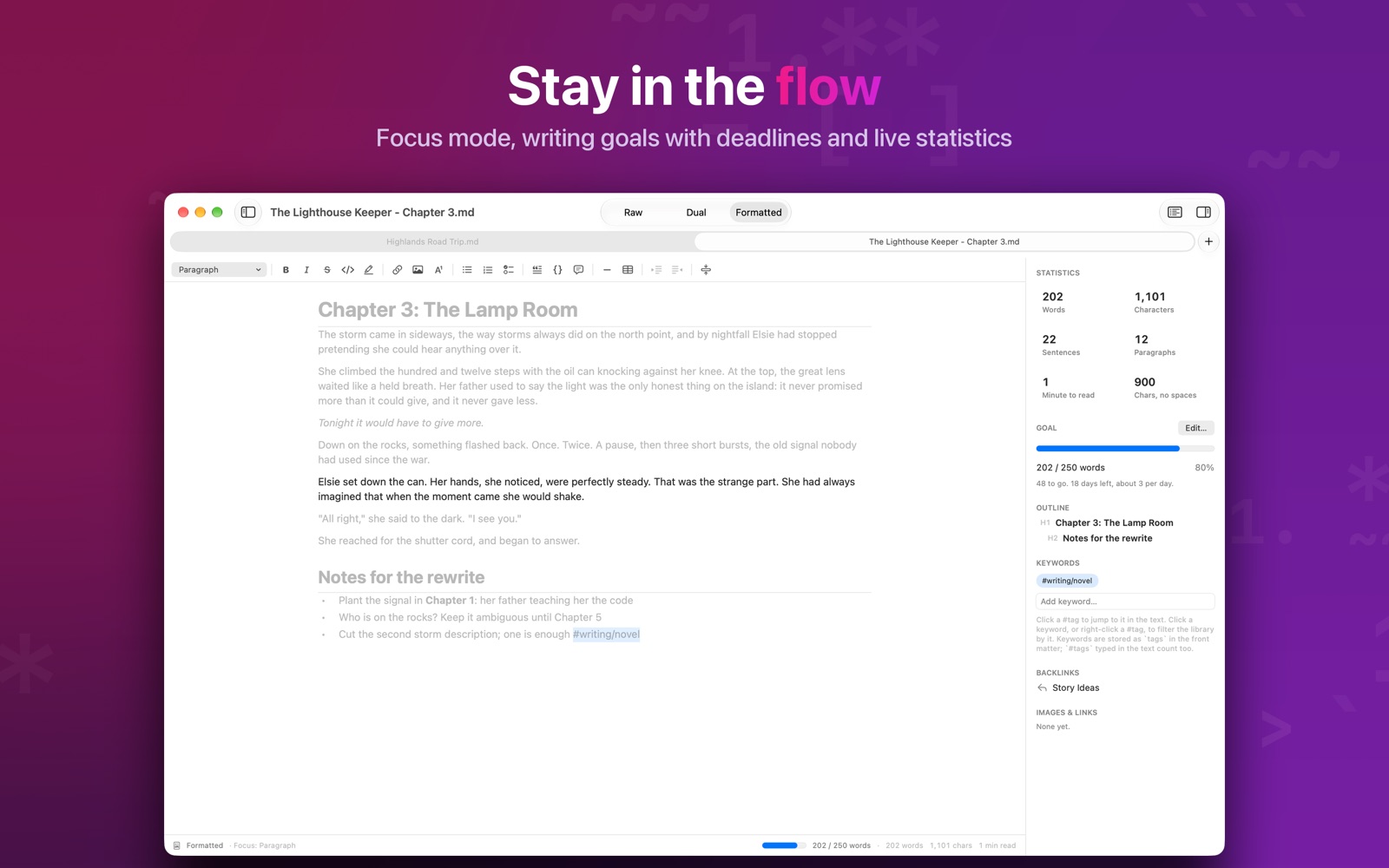
A dashboard with words, characters, sentences, reading time and a clickable outline — plus writing goals of at least, at most or about a number of words, with an optional deadline
Export to PDF, HTML, Word (.docx) and Rich Text, or print — in eight ready-made styles, with a live preview.
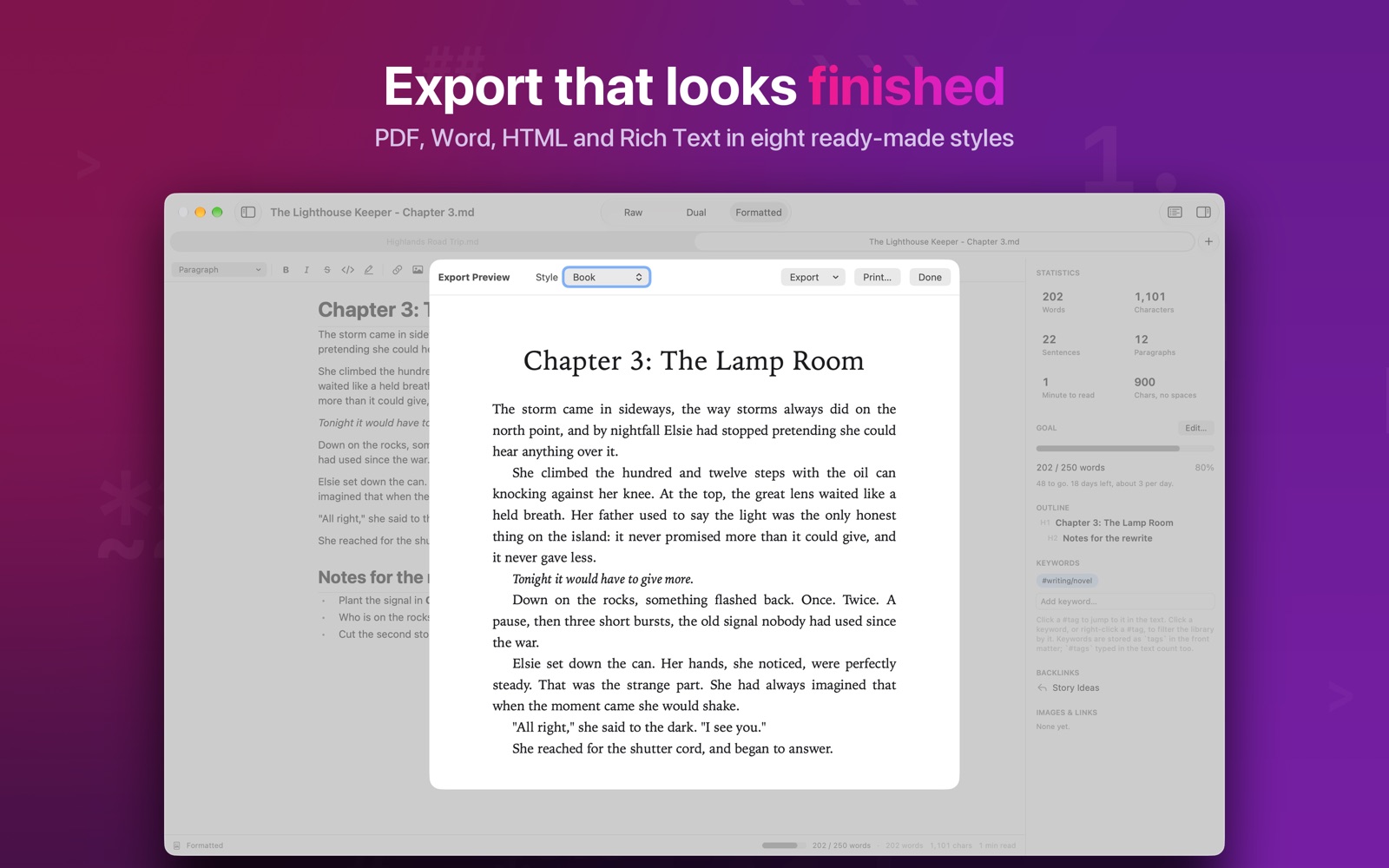
Pictures stored beside a document are embedded, so the exported file stands alone — and Word documents keep their pictures, links and footnotes
Choose the font, text size, line spacing and column width, and fine-tune the colors of headings, links, quotes, code and tables.
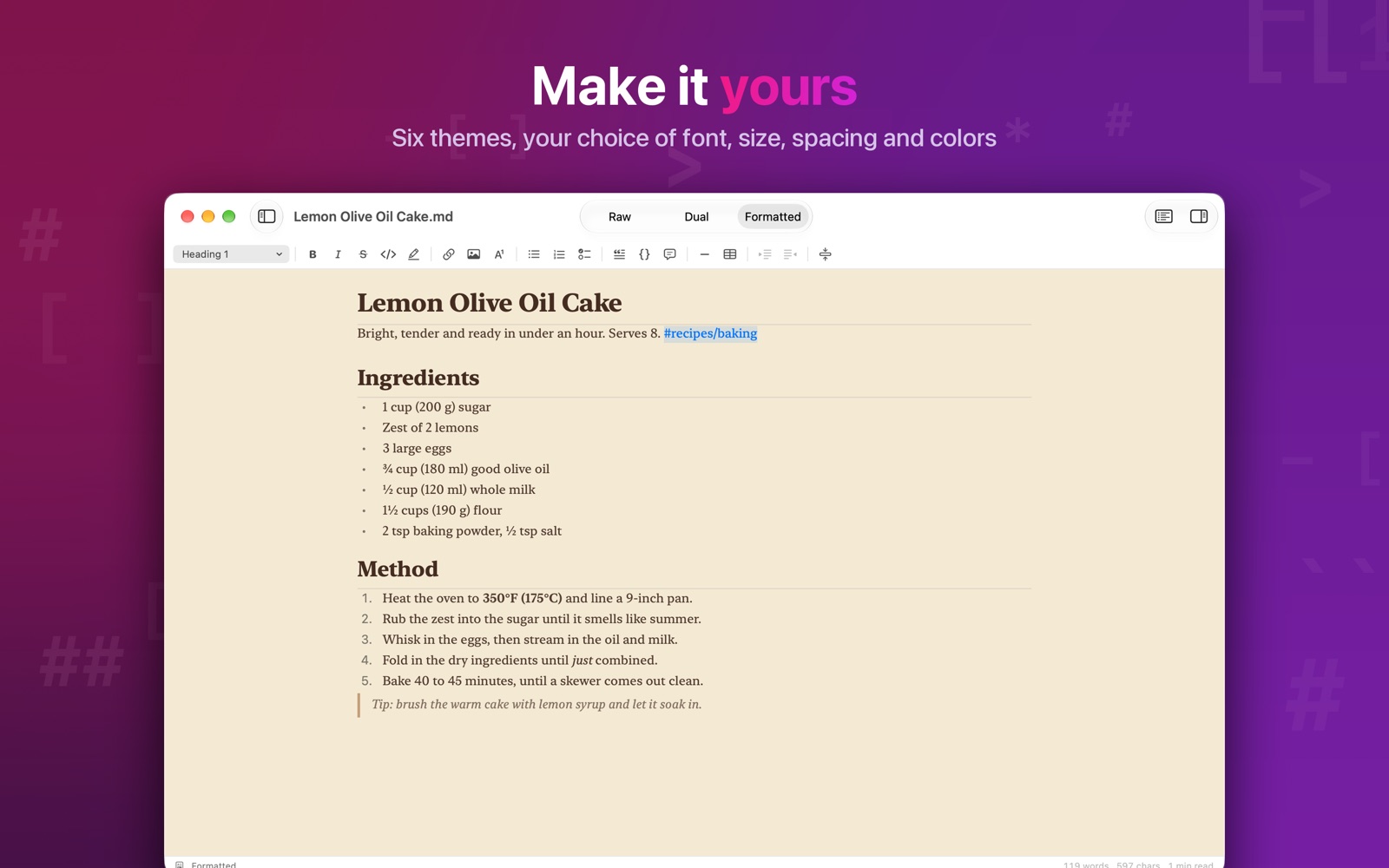
Sepia, one of six themes
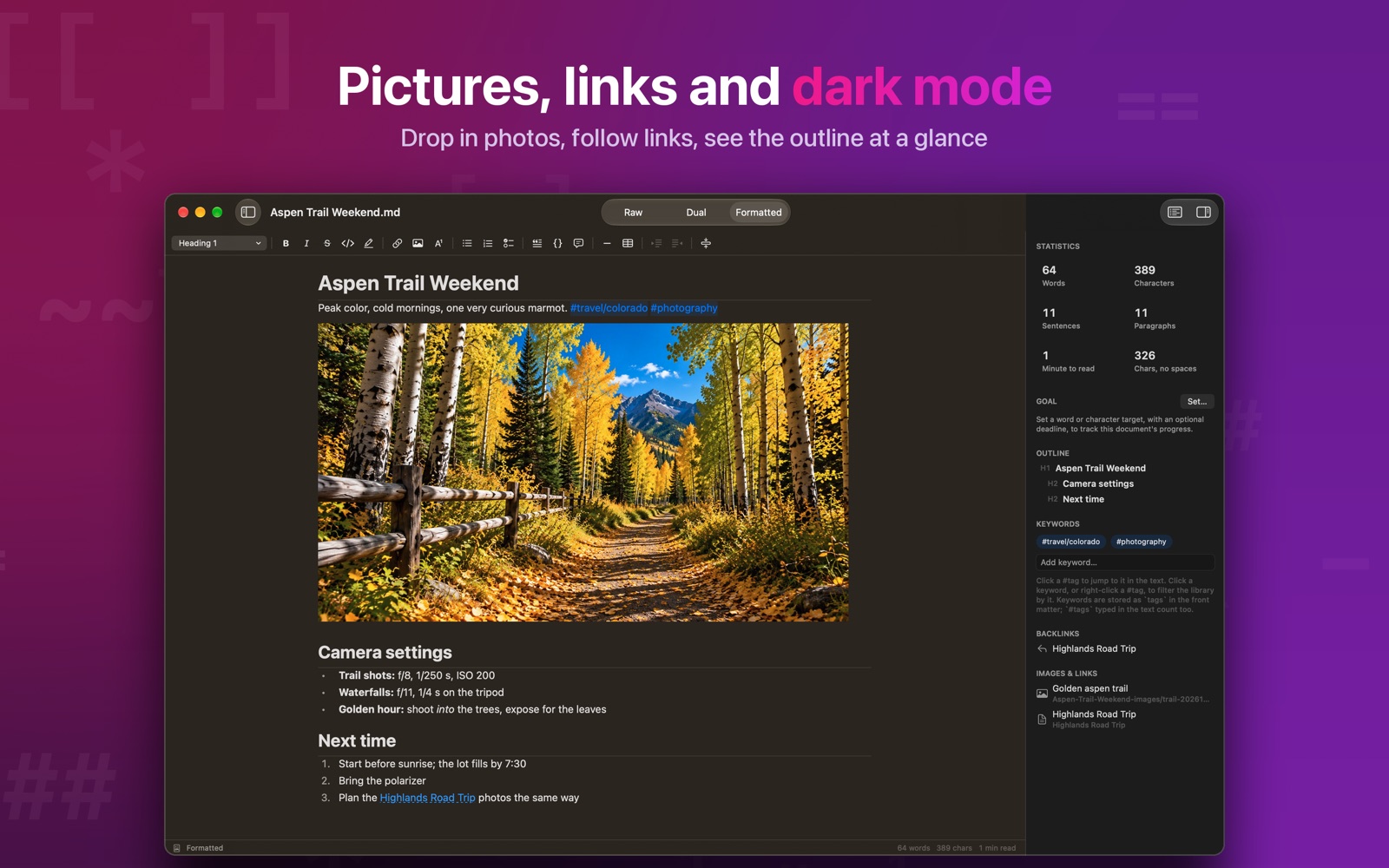
Pictures, links and dark mode
The library sits beside your document, and with a keyboard attached the menu bar has the Mac's keyboard shortcuts.
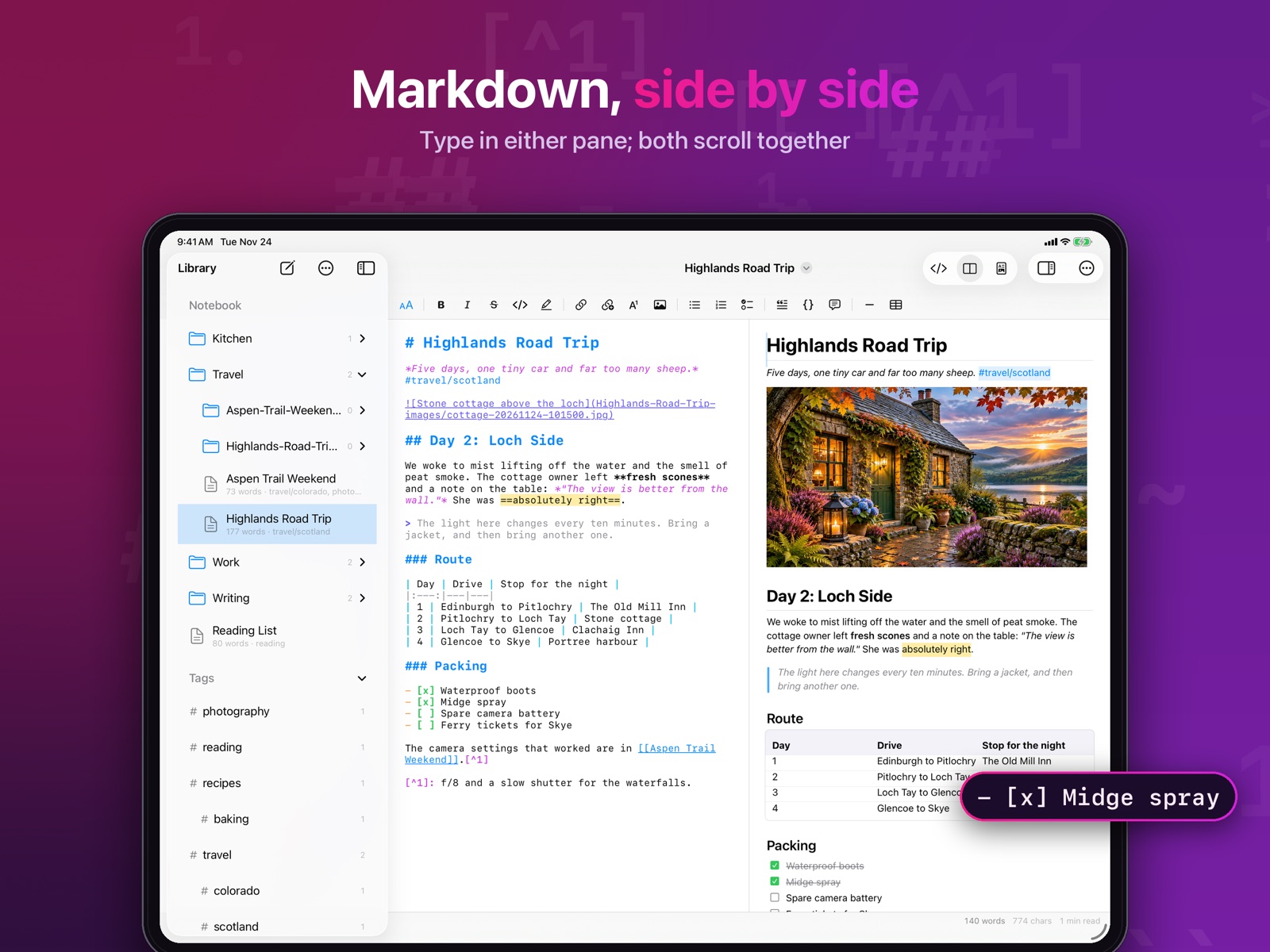
Type in either pane; both scroll together
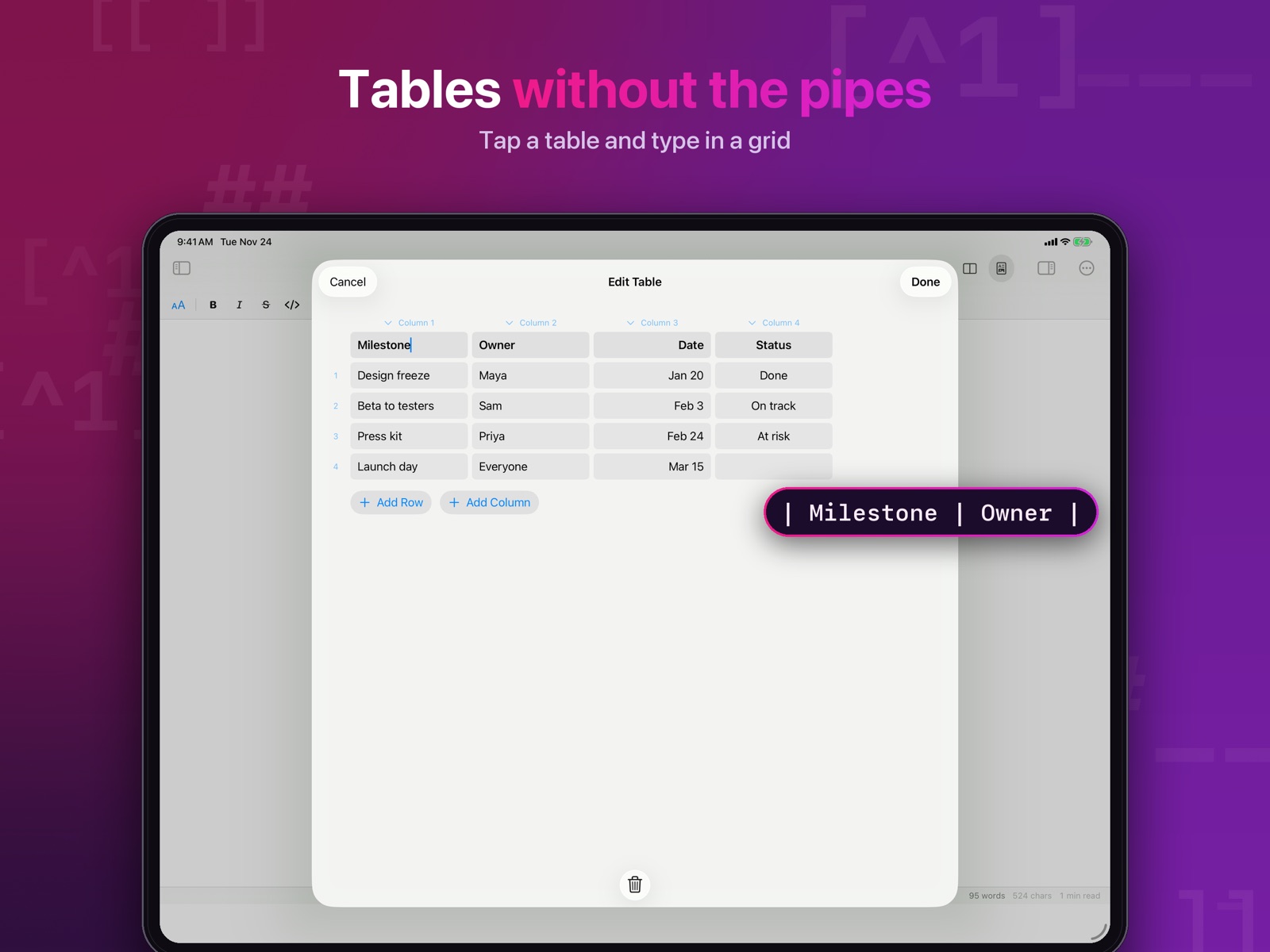
Tables open in a grid editor: tap a cell and type
The library opens first, the formatting toolbar rides on top of the keyboard, and turning the phone gives you wider lines.
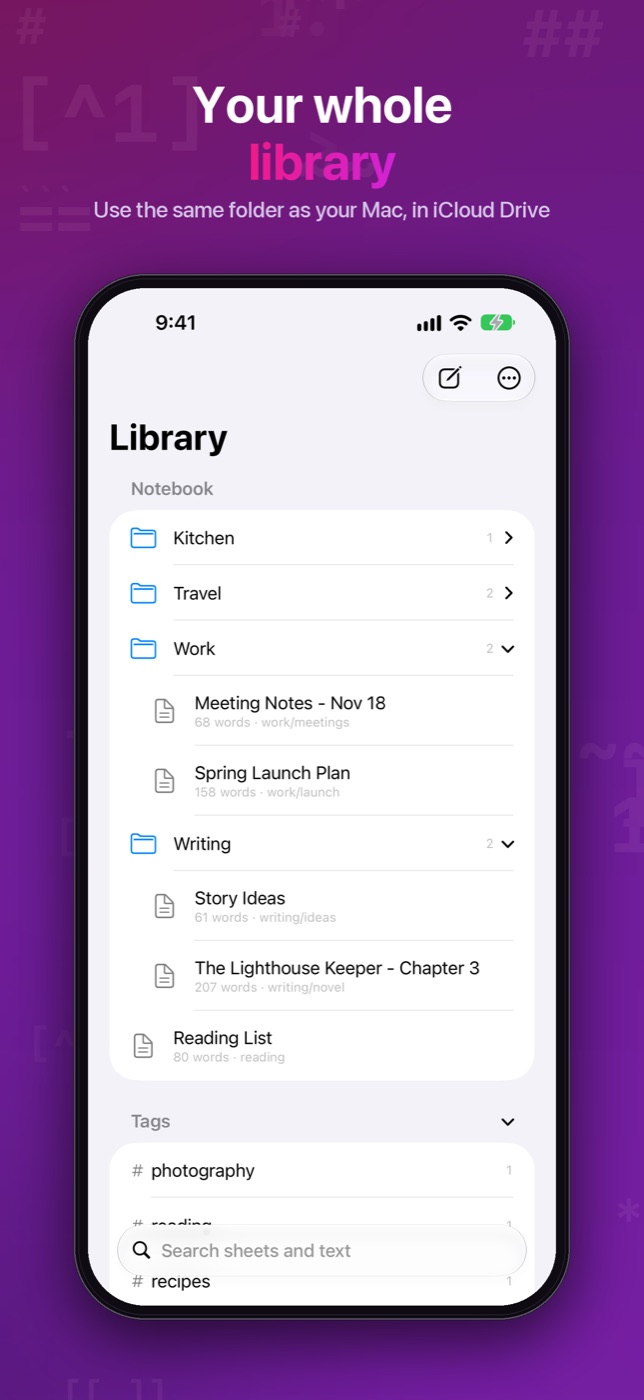
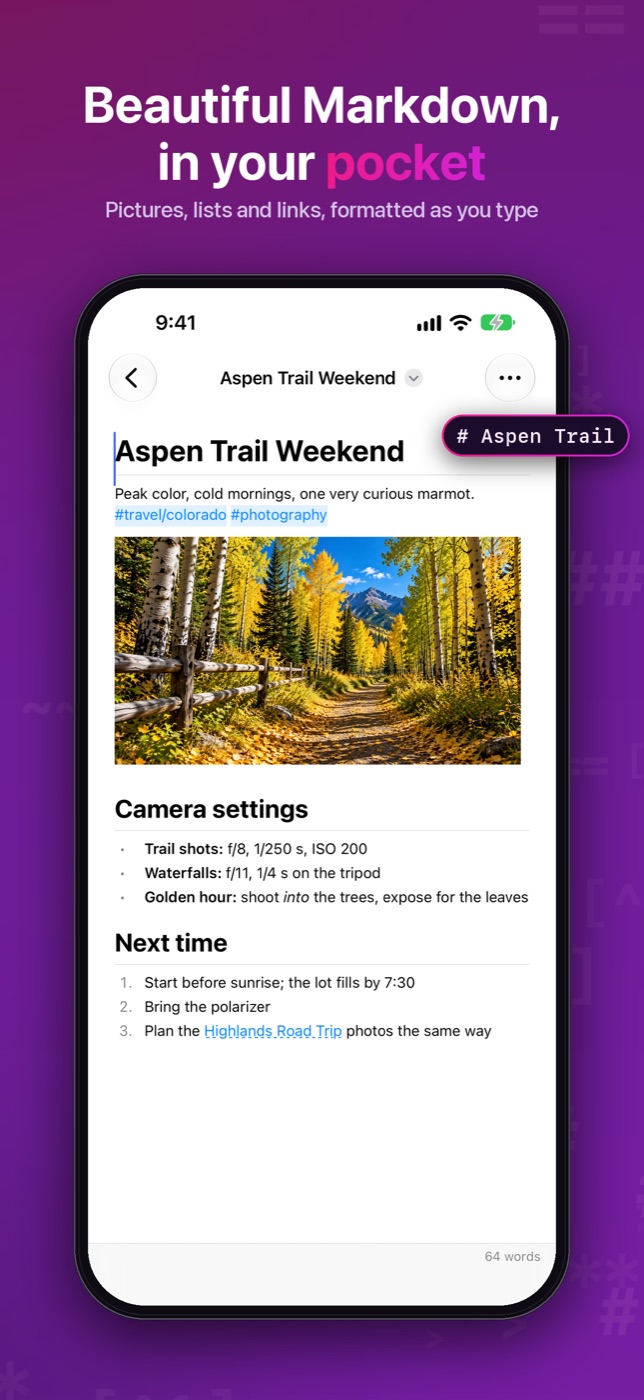
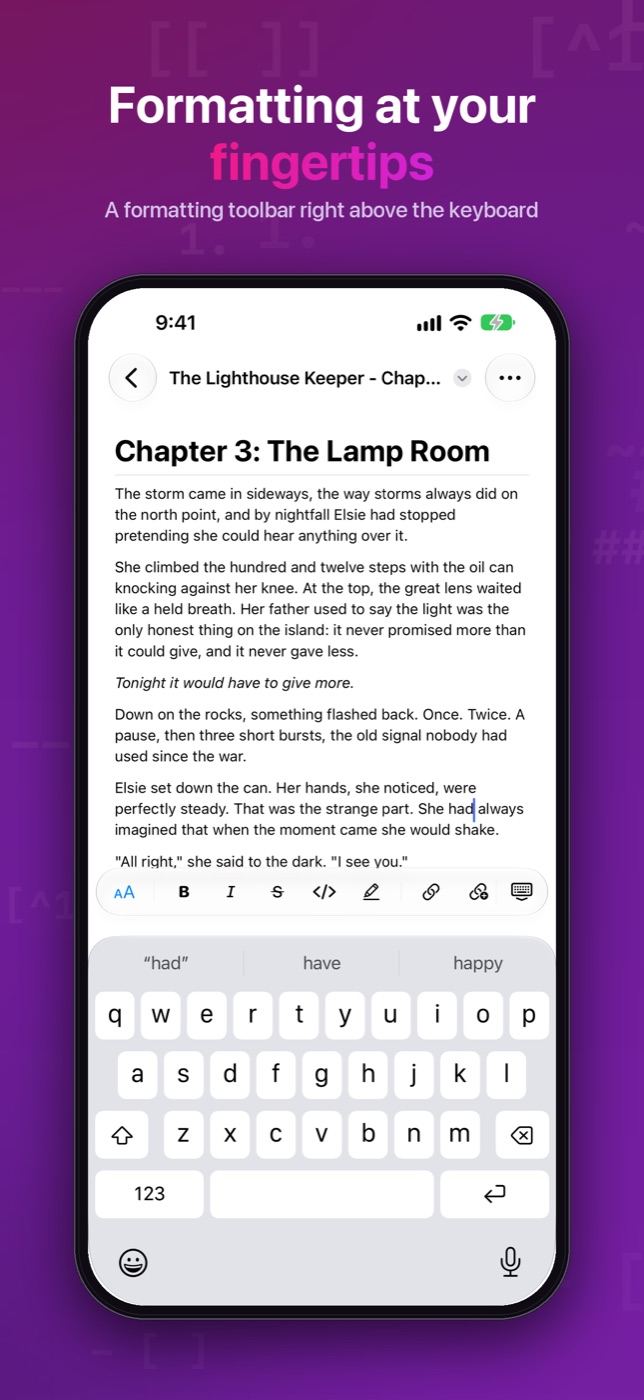
Pictures, lists and links formatted as you type — with the same folder as your Mac, in iCloud Drive
Tabs and windows, find and replace, spelling and grammar checking. Split a sheet in two at the cursor, copy as HTML for a web editor or mail message, and make Markwright your default app for Markdown files.
No account, no ads, no tracking. Markwright collects no data, and your documents stay in the folders you choose.
Files you own, ready to open in any other app
Nothing to sign up for, ever
No ads and no tracking
Keep your library in iCloud Drive, or wherever you choose
Requires macOS 26.4 or later, or iOS and iPadOS 26 or later.
Markwright is on its way to the App Store for Mac, iPad and iPhone — with your words in plain .md files that you own.
 Get Happy