 iPhone & iPad · Coming soon to the App Store
Read EPUB, PDF & web aloud
Aloudly reads your books and documents to you in a voice that sounds like a person — and it does it entirely on your iPhone. No account. No monthly allowance of characters. Nothing you read is sent anywhere.
Free to use — the 28 neural voices are free for fourteen days, then $39.99 a year or $79.99 once. Apple's voices keep working either way.
Files you already own, pages that are pictures, and anything on the web — as many as you like, whenever you like.
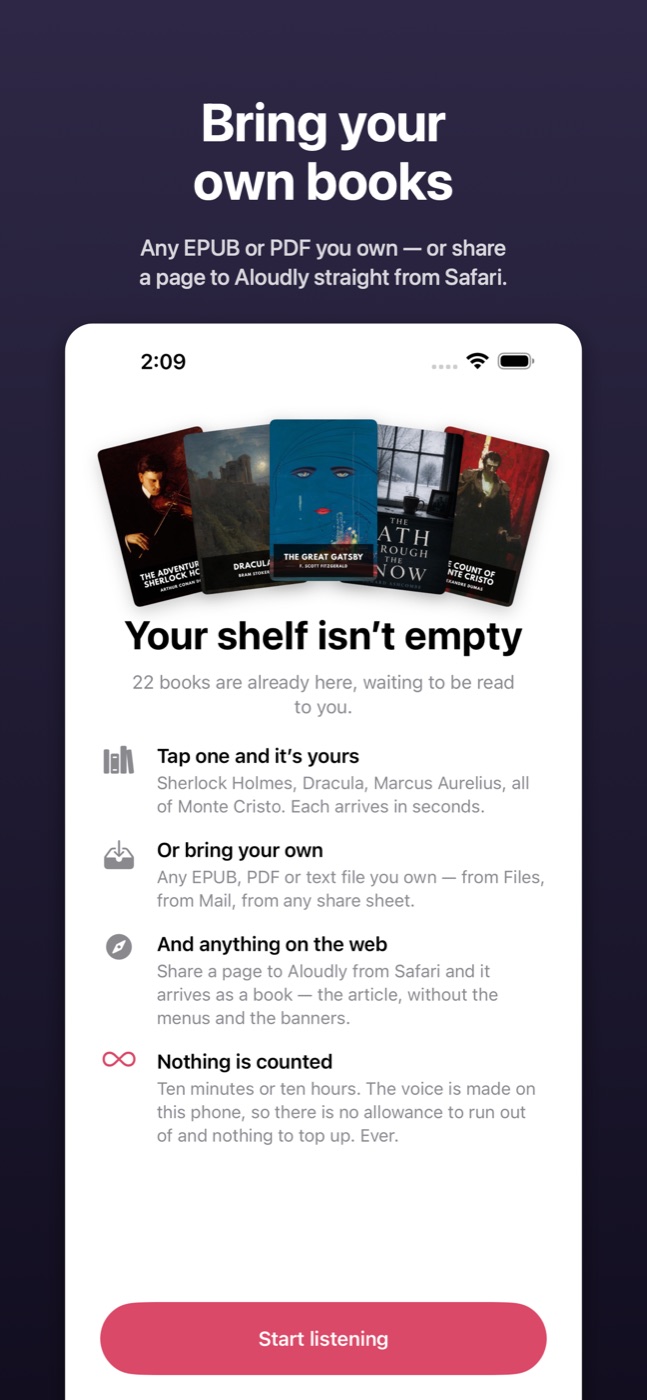
Any EPUB, PDF, text, RTF or HTML file you already own. Open it from Files, from Mail, or from any share sheet, and it joins your library.
Photograph a printed page and Aloudly reads it. Point the camera at a book, a letter, a form or a page of notes, and the words are recognised on your device.
The kind with no text in them, that other readers open and find empty. Text set in two columns is read in the right order, one column at a time.
Share a page to Aloudly from Safari and it arrives as a book — the article itself, without the navigation, the cookie banner or the comments underneath.
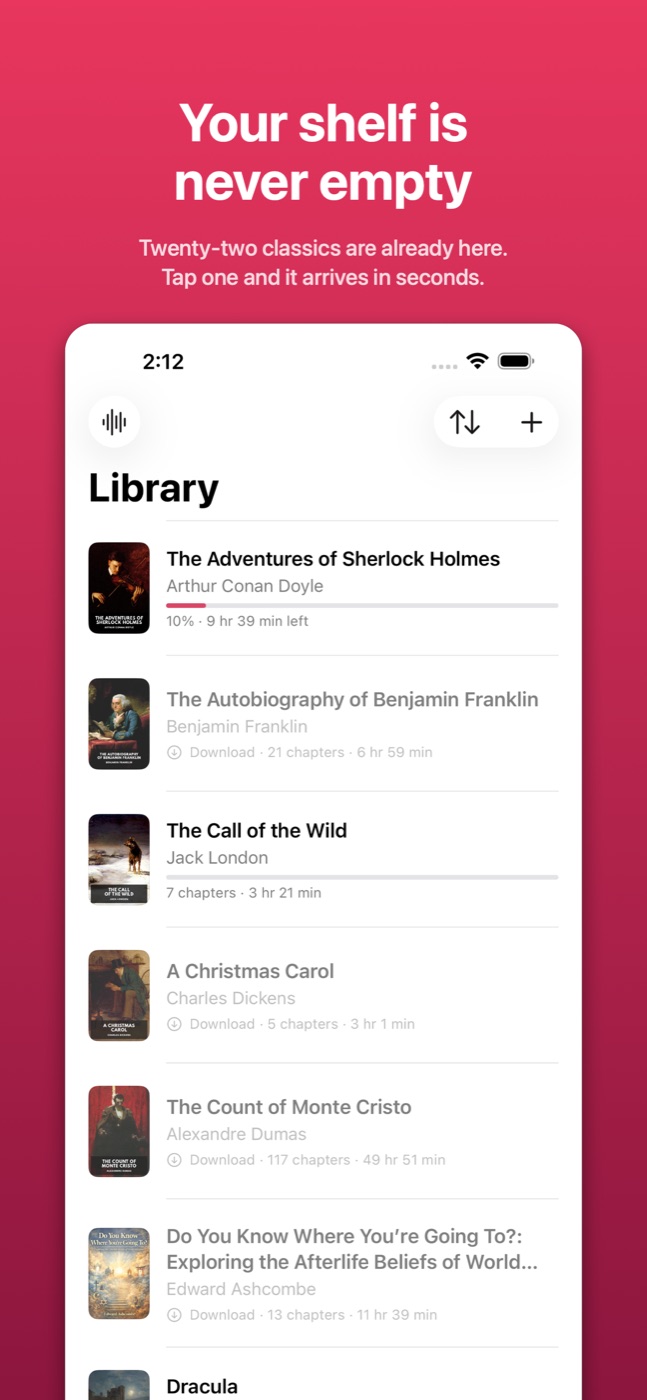
Twenty-two books are already there: Sherlock Holmes, Dracula, Frankenstein, Pride and Prejudice, The Great Gatsby, Meditations, the whole of The Count of Monte Cristo.
The voice is generated on the device in your hand, so you can listen for ten minutes or ten hours and nothing is counted.
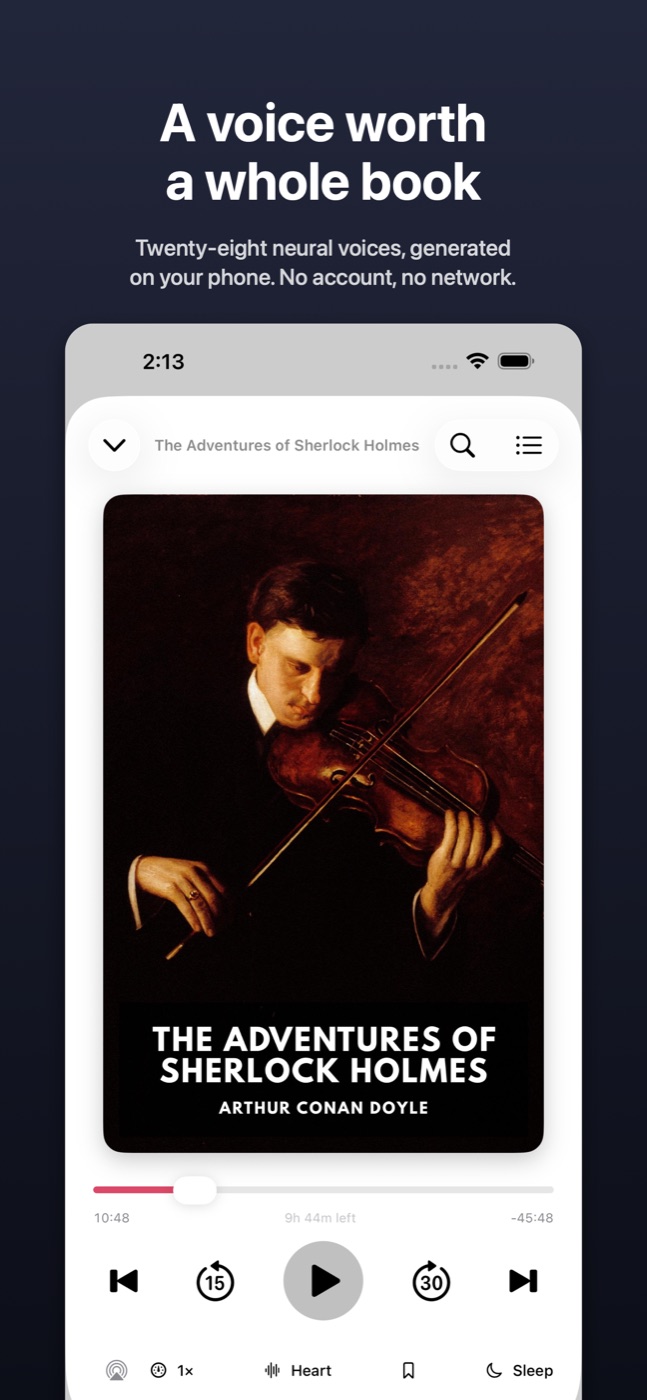
Twenty-eight neural voices that run offline, and they hold up over a whole book rather than a paragraph. Aloudly also uses Apple's enhanced and premium voices where you have them installed, and Personal Voice if you have made one.
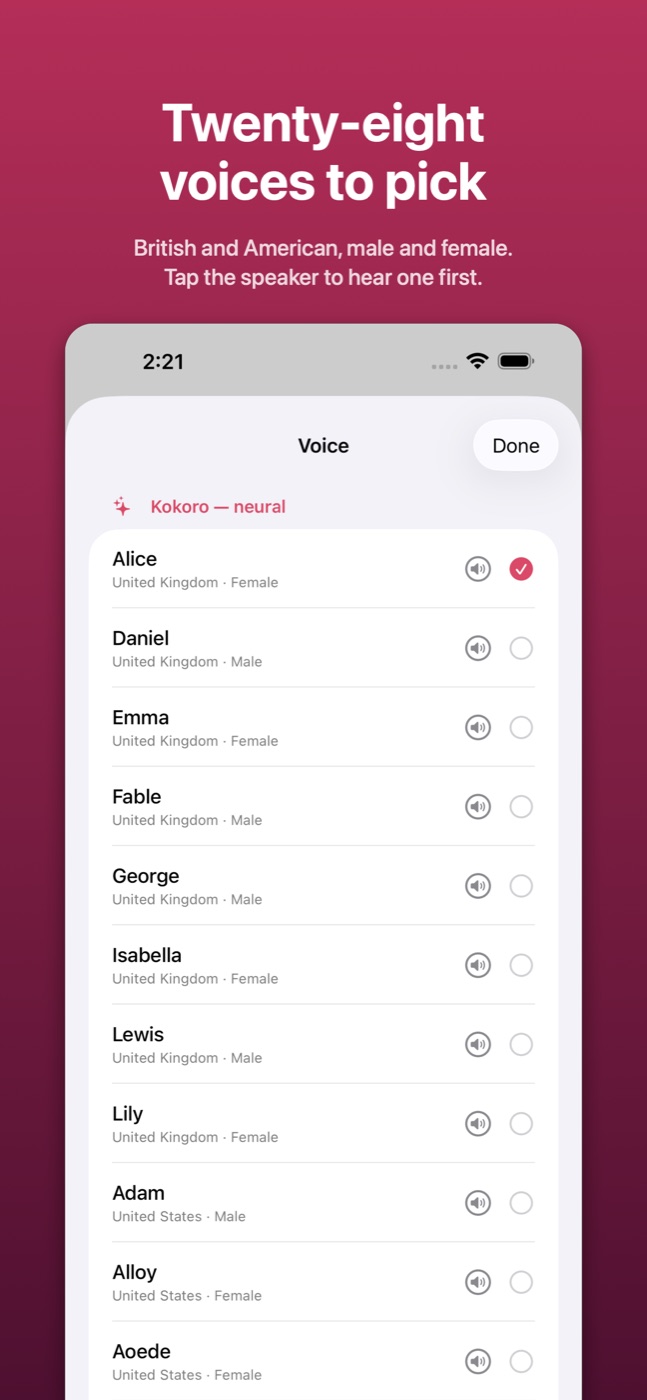
British and American, male and female — tap the speaker to hear one first
Photograph a book, a letter or a form, and the words are read off it on your phone. Then find any line in seconds, with full-text search inside every book.
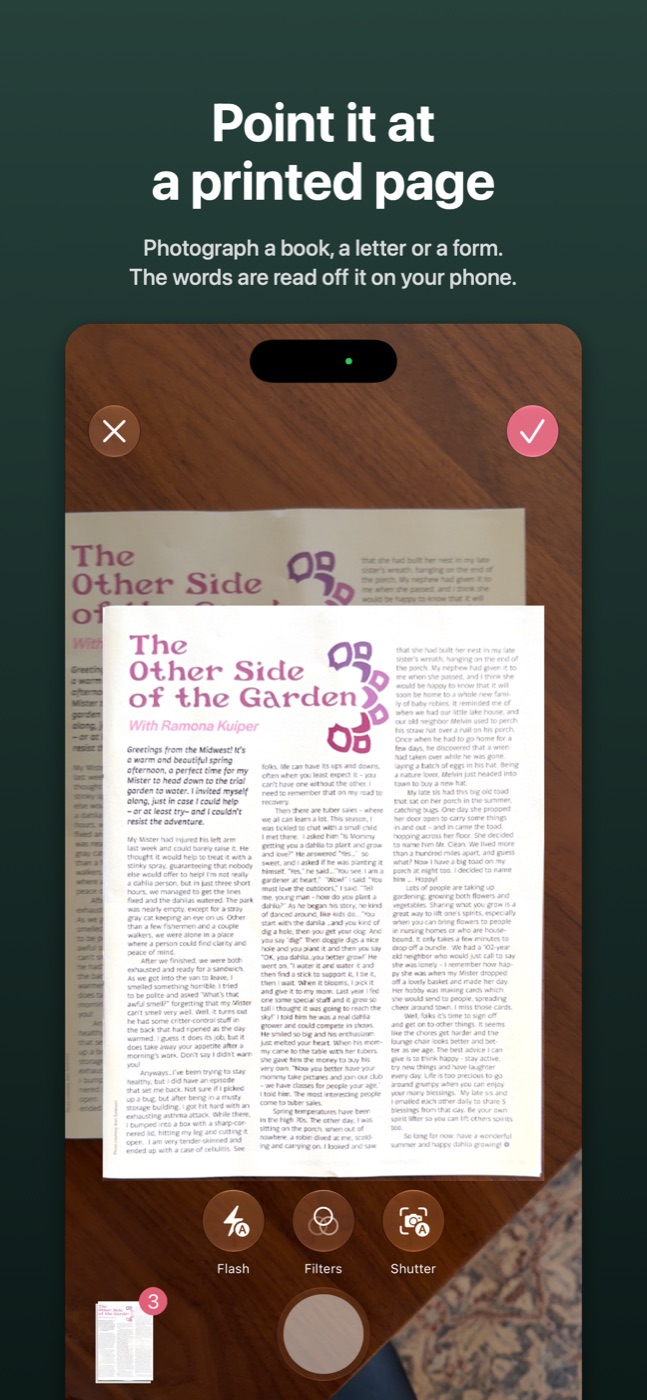
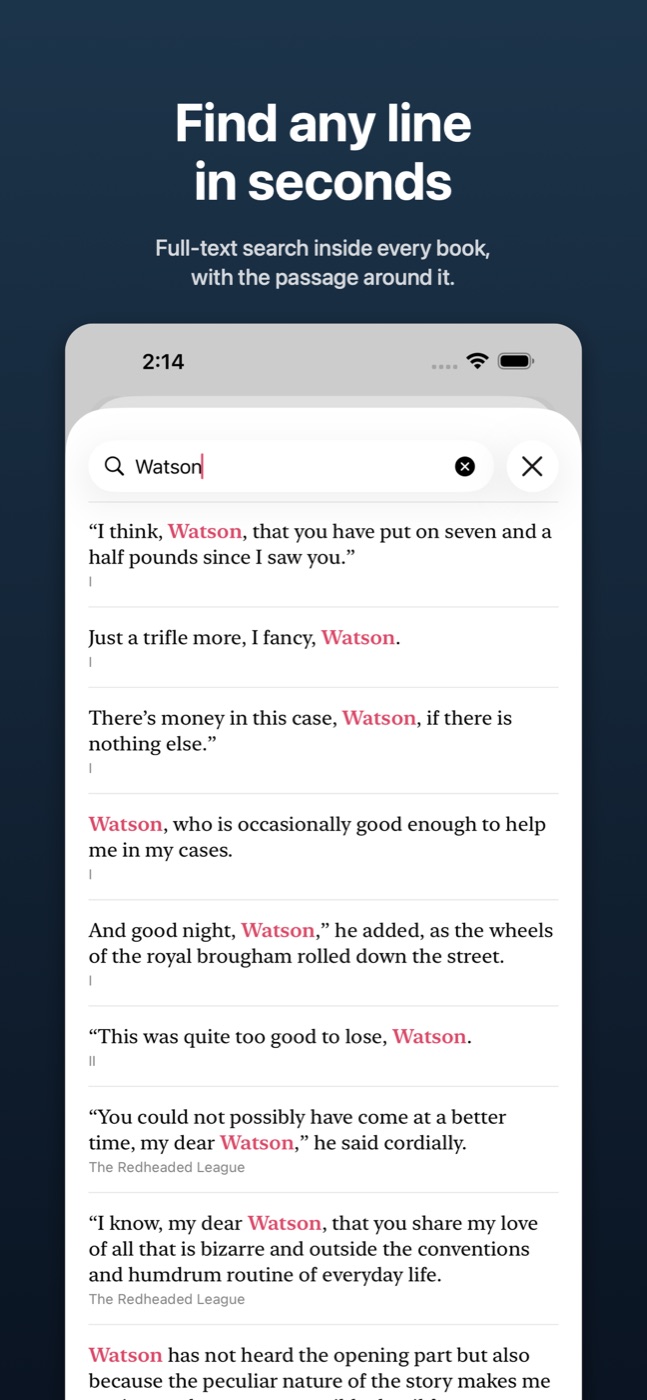
Scan a printed page into your library — and search every book, with the passage around each match
Kept continuously, to the sentence, and it follows you to your iPad through iCloud.
Background playback, lock screen controls and CarPlay. Ask Siri to carry on reading, or to start a particular book.
Including "end of chapter" — and adjustable speed, with the labels honestly calibrated.
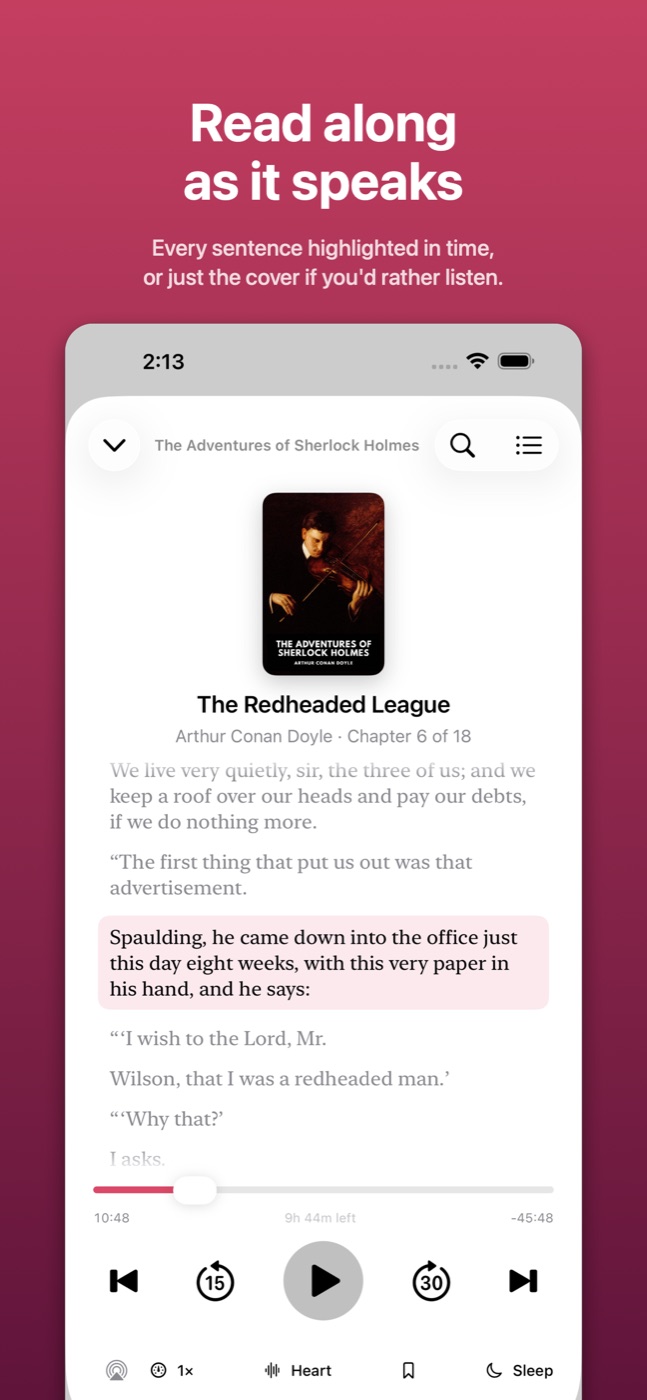
Follow along with the text highlighted as it is spoken, or watch the cover.
Bookmark a line, search the full text, jump by chapter or by sentence.
Correct how a name or an unusual word is pronounced, once, for good.
People with dyslexia, low vision, ADHD, or tired eyes at the end of a day. Students working through PDFs. Anyone learning English who wants to hear a text and read it at the same time.
Anyone with a folder of documents they will never quite get around to reading.
Aloudly works with VoiceOver and Voice Control, scales to the largest accessibility text sizes without cutting titles off, respects Reduce Motion, and has a dark appearance. Tested rather than assumed.
The app is free to use. Importing, scanning, the shelf, web pages, CarPlay, syncing and Apple's own voices cost nothing and always will.
Apple's own voices, and everything else, cost nothing
All 28 neural voices, with no account and nothing to pay to start
The neural voices, as a yearly subscription
The neural voices for good, if you would rather not subscribe
Aloudly reads files you own and pages you can already see. It cannot open books bought from Kindle, Apple Books or other stores, and it cannot read pages that keep their text behind a sign-in. The neural voices need a recent iPhone.
Requires iOS 18 or iPadOS 18 or later. The twenty-two books included are public domain, produced by Standard Ebooks.
Aloudly is on its way to the App Store — your books read aloud on your iPhone, with no account, no network, and nothing counted.
 Get Happy