 iPhone · On the App Store
A serious camera and a complete RAW darkroom
Shoot in 48MP Apple ProRAW or Bayer RAW, take command of every setting, and develop each frame without ever leaving the app. No accounts, no subscriptions, no cloud — your photos live on your device and nowhere else.
Free to download — 14-day trial with every feature, then one purchase unlocks the camera for good. No subscription.
Not a shortcut to a filter — a proper camera that shoots the way you tell it to.
Capture in 48MP Apple ProRAW, Bayer RAW, or space-saving HEIC — every frame with maximum detail and latitude to work with.
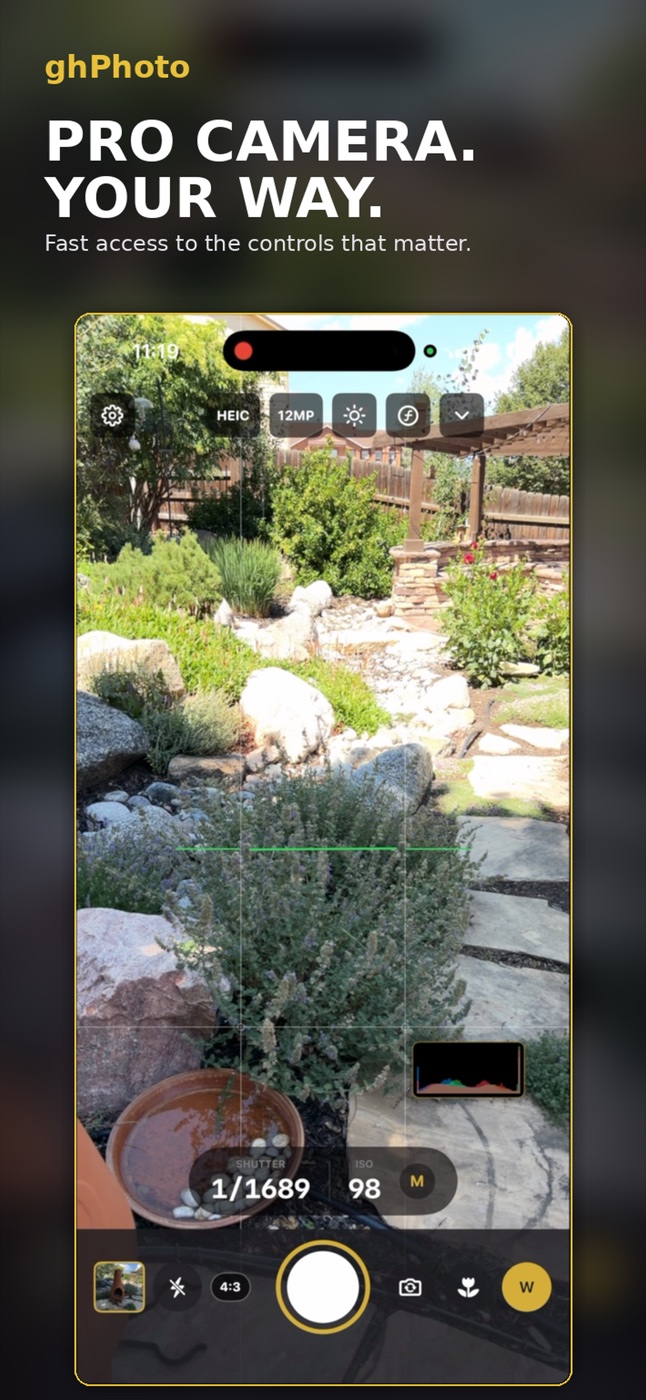
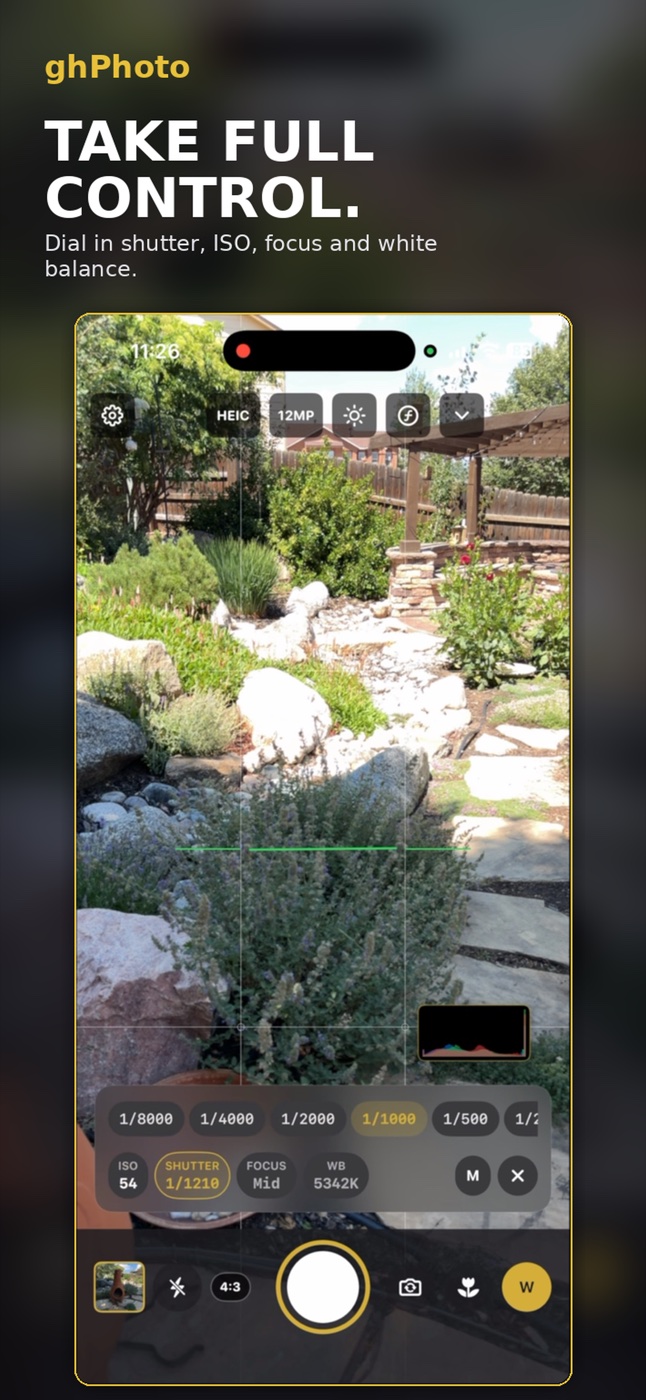
Dial in ISO, shutter, focus, and white balance from a compact floating control strip that keeps your frame clear.
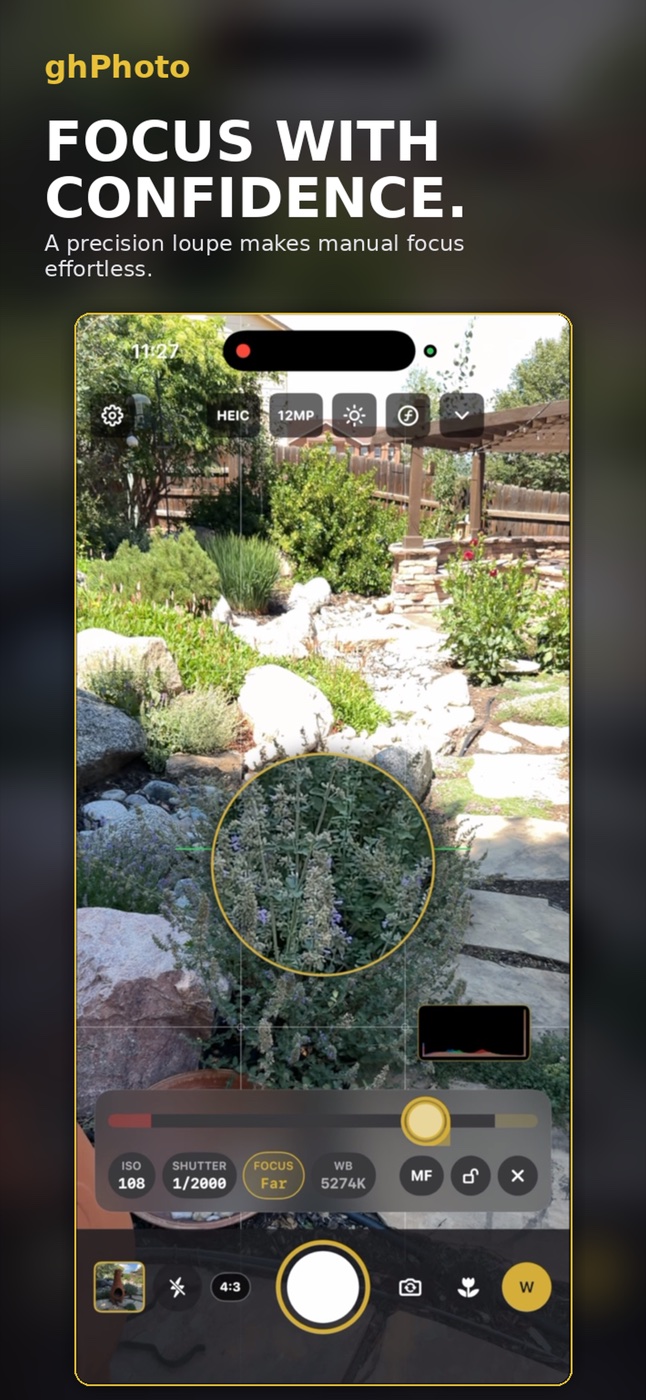
A precision focus loupe and focus peaking make manual focus effortless, with a redesigned horizon level for perfectly straight shots.
A self-timer, high-speed burst, and exposure bracketing for tricky light and the decisive moment.
Capture portraits with real depth and an adjustable aperture you can refine later — nothing baked in.
Launch straight into the full camera from your Lock Screen or the Camera Control button — never miss the moment fumbling to unlock.
A live RGB histogram, zebra highlight warnings, focus peaking, grid, and level — all a tap away, and out of the way when you don't need them.
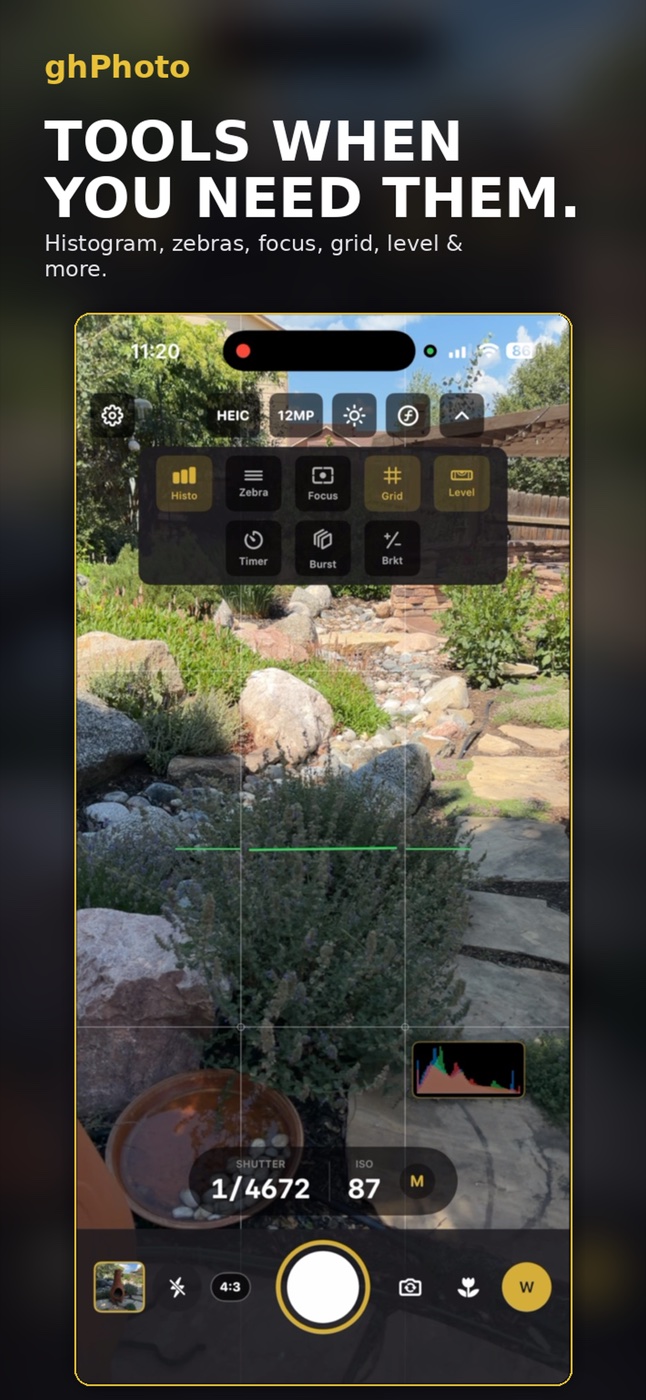
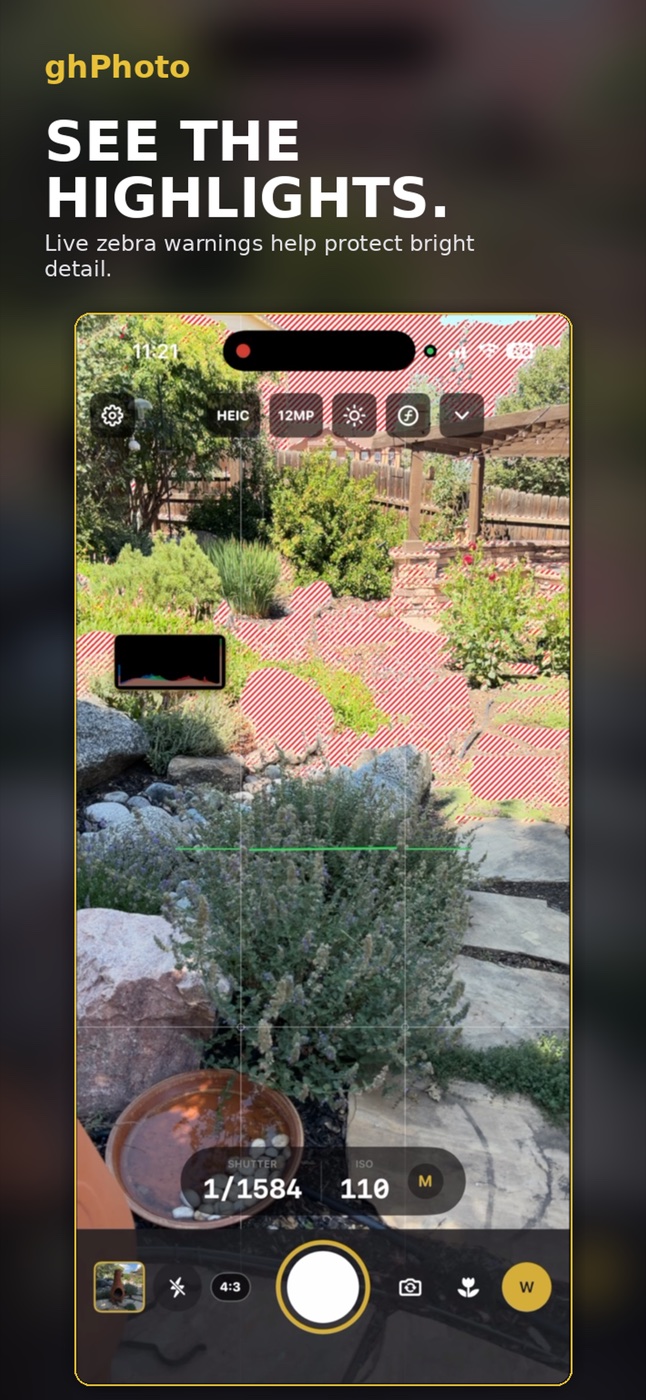
Tools when you need them — and live zebras that protect bright detail before you press the shutter
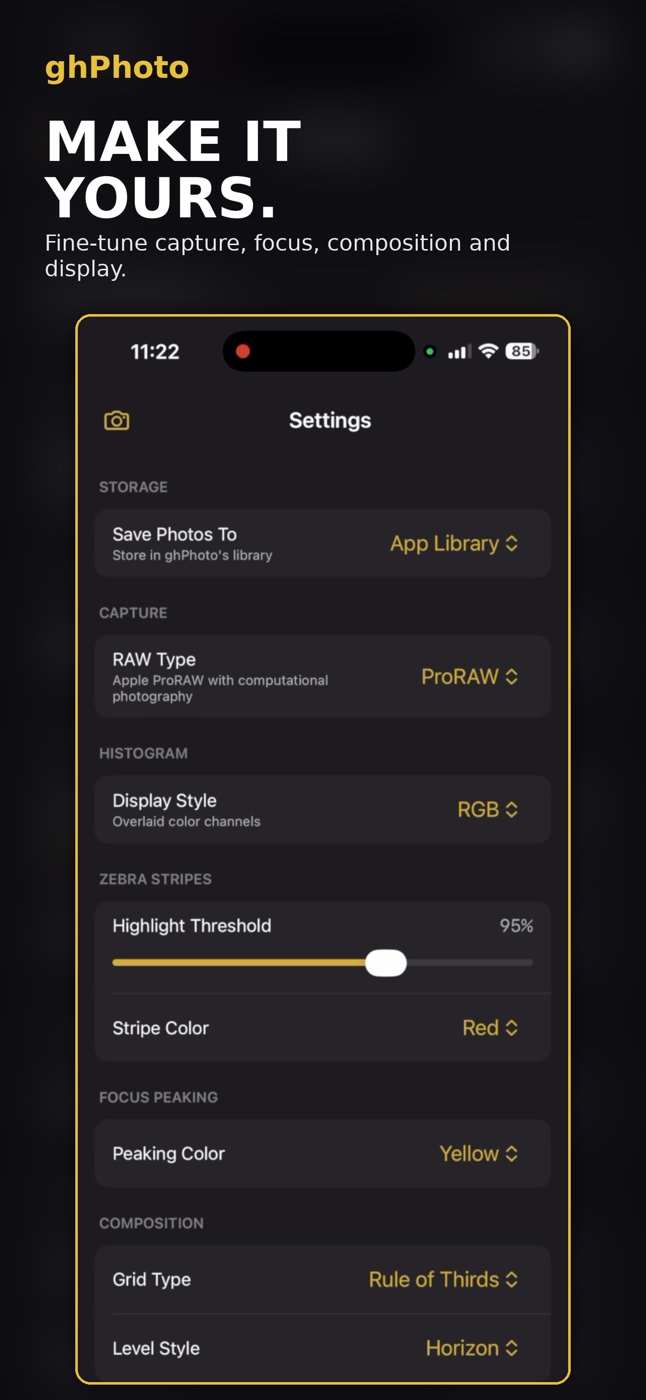
Choose your RAW type, set the histogram style, dial in the zebra threshold and color, pick your focus-peaking color, and set your grid and level — ghPhoto remembers it all.
Save to ghPhoto's private library or straight to Photos. Every capture, focus, composition, and display choice is yours.
Toggle between the flat RAW file and a beautifully developed rendering, then fine-tune to taste. What you see is exactly what you save.
Exposure, contrast, highlights, shadows, warmth, saturation, sharpness, and noise reduction — all at your fingertips.
Reads your photo and gets it right instantly — a considered starting point, not a gimmick.
Reframe freely, with automatic horizon detection for effortlessly level results.
Start from built-in filters, then save your own looks to reuse across all of your work.
Dial portrait background blur up or down long after the shutter has fired.
Every edit is reversible and your original RAW is never touched. Your photo is always safe.
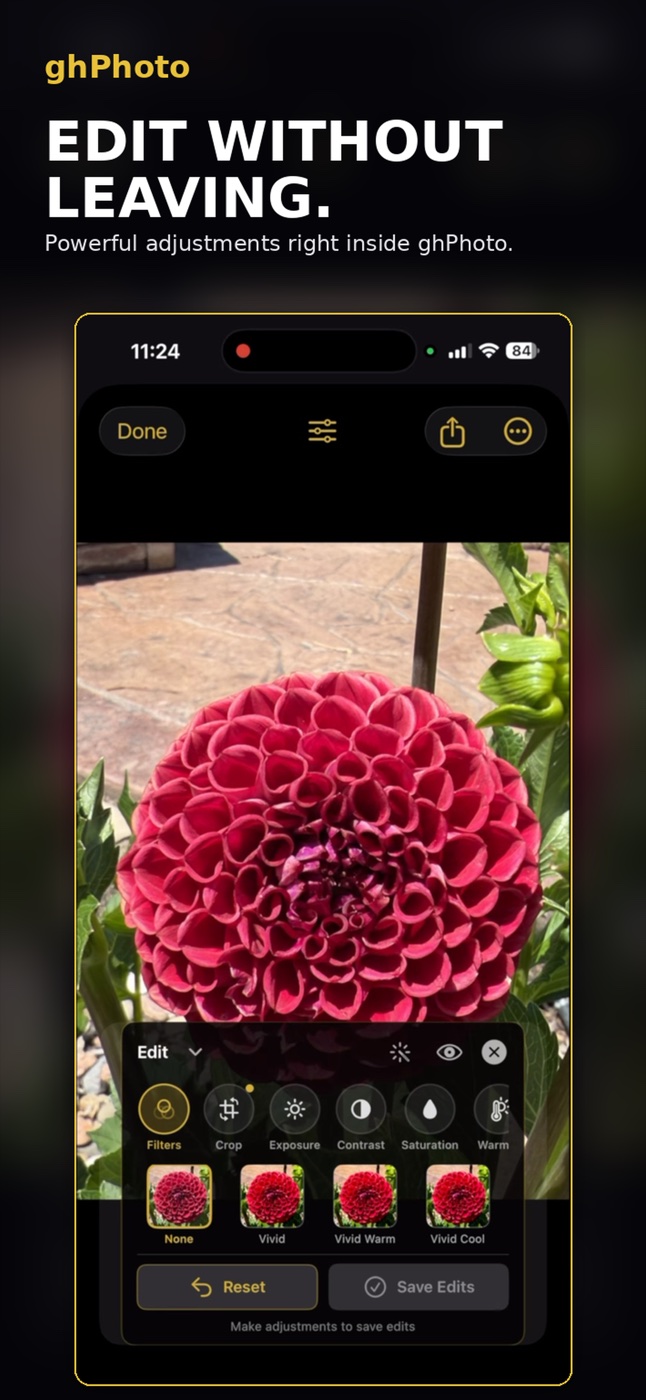
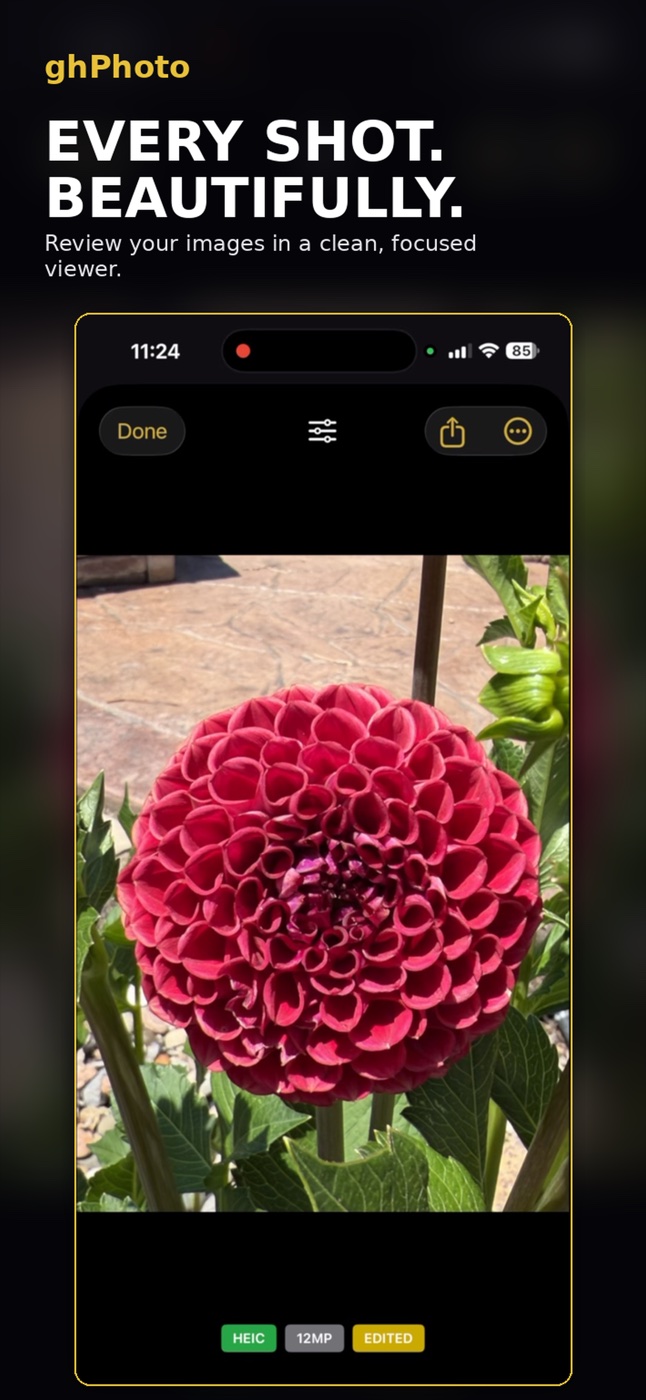
Powerful adjustments right inside ghPhoto — and a clean, focused viewer to review every shot
Get one frame exactly right, then carry that look across the whole shoot.
Develop a single photo until it looks exactly the way you want it to.
Paste that look across an entire shoot in a single tap — consistent results, instantly.
Changed your mind? Roll back the whole batch at once and start again.
A private in-app library built for photographers. Sort into albums, mark favorites, and filter down to precisely the frames you're after — with every capture setting a tap away.
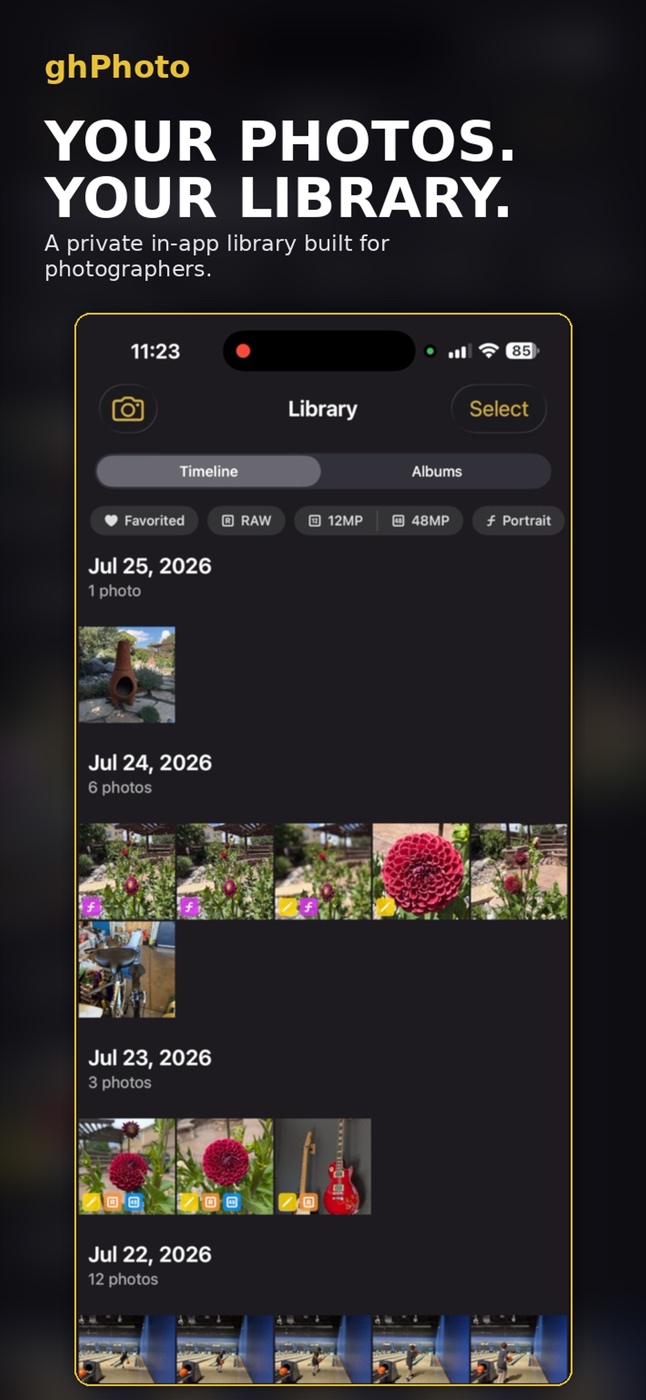
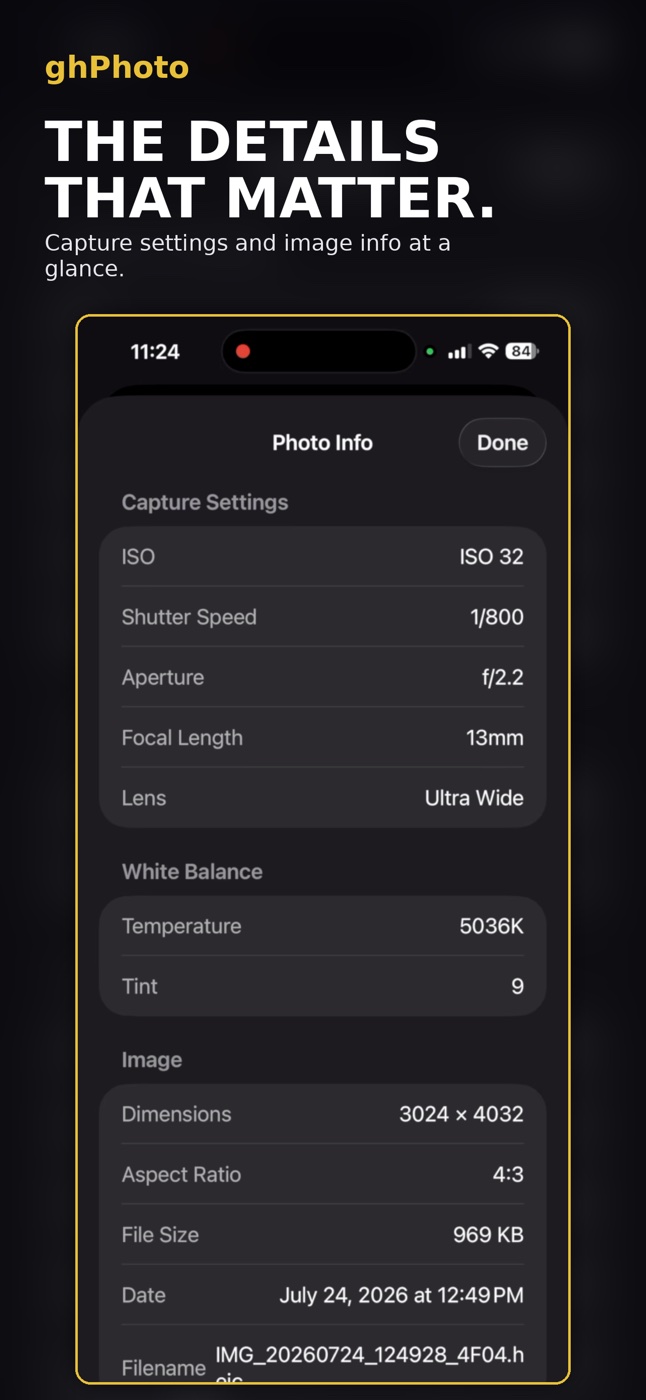
Filter by RAW, 48MP, Portrait, or Edited — then check ISO, shutter, aperture, and white balance for any frame
ghPhoto collects no data, requires no sign-in, and sends nothing anywhere. Just you and your camera.
Nothing tracked, measured, or profiled
No accounts and no passwords, ever
Everything happens on your device
Your photos live on your device, nowhere else
Requires iOS 18 or later (iPhone XS and newer). Viewing, editing, exporting and sharing stay free forever — no watermarks.
ghPhoto is on the App Store now — a serious camera and a complete RAW darkroom, with no accounts, no subscriptions, and no cloud.
 Get Happy